
Learn How to Pay Hazeco Bill Online
Paying your HAZECO (Hazara Electric Supply Company) bill on time is essential to avoid late payment surcharges or electricity disconnection.
Today, you have multiple easy and secure payment methods — whether you prefer online banking, mobile wallet apps, ATMs, or physical outlets.
Electricity Bill Payment Status Checker
Instantly verify your electricity bill payment
This guide will walk you through:
- How to check your Hazeco bill online
- Step-by-step instructions for each Hazeco bill payment method
- App download links for mobile payments
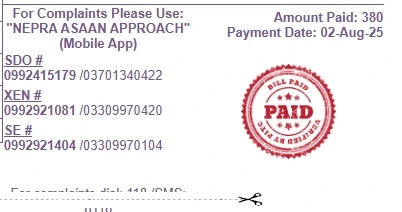
Hazeco Bill Online Payment Methods
HAZECO bills can be paid via:
- Mobile Wallets (JazzCash, Easypaisa, UPaisa, SadaPay)
- Online Banking Apps
- ATM Machines
- Retail Shops & Post Offices
- Credit/Debit Cards via bank portals
Below is the detailed step-by-step process for each method.
A) Mobile Wallets
Mobile wallets are fast, secure, and available 24/7.
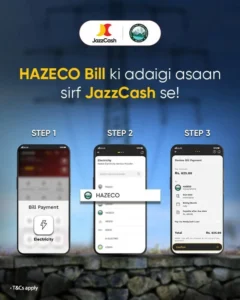
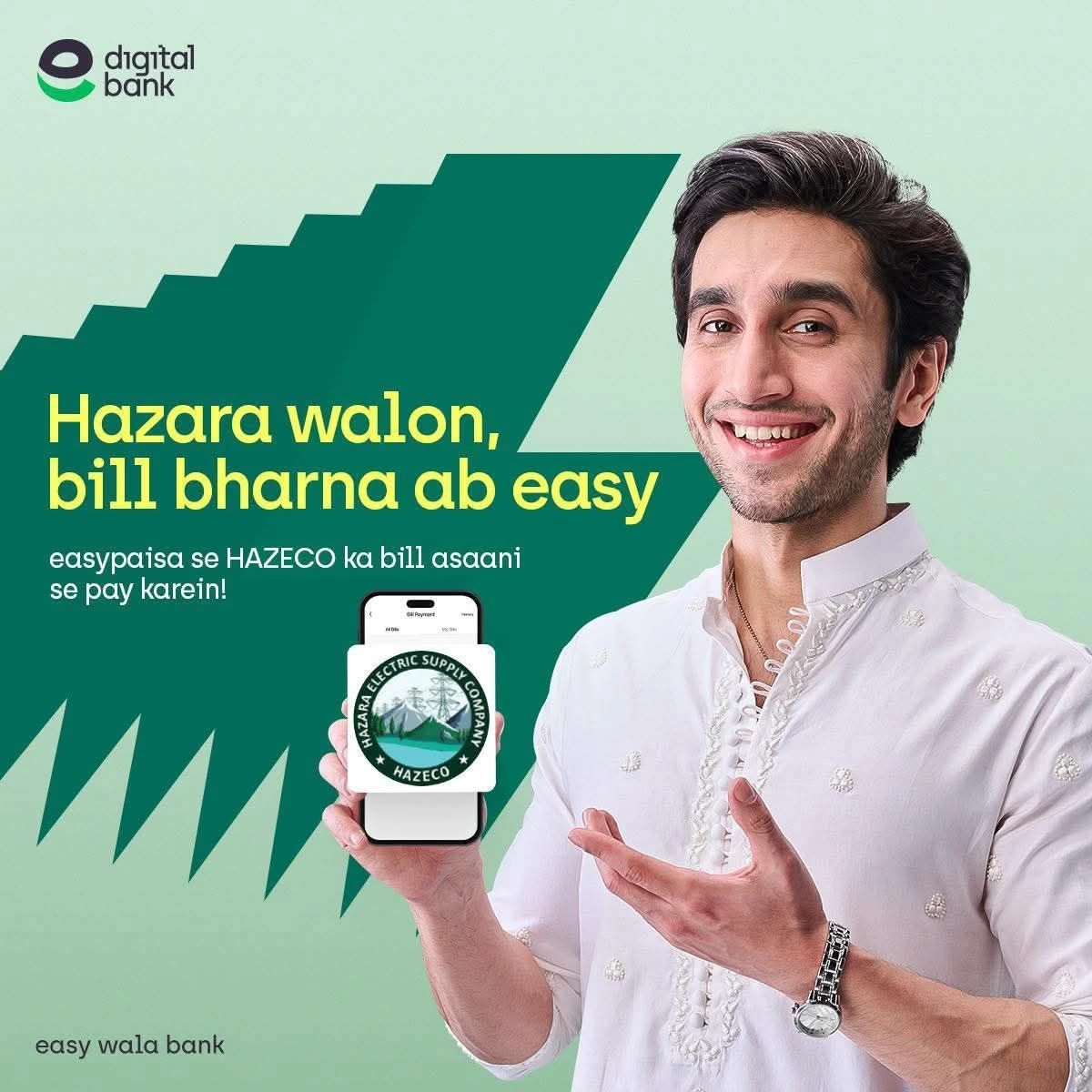
You can pay via JazzCash, Easypaisa, UPaisa, or SadaPay.
UPaisa
- Download: Android | iOS
- Open UPaisa App.
- Go to “Bill Payment” → “Electricity”.
- Select HAZECO.
- Enter your Reference Number and pay.
B) Online Banking Apps
Almost all Pakistani banks offer utility bill payment via their mobile apps. There are two ways to pay via banking apps:
Method 1: Direct Bank Payment (Standard)
Most banks (HBL, UBL, MCB, Meezan, etc.) have HAZECO listed directly.
- Download: Android | iOS
- Login to your banking app.
- Go to “Bill Payments” → “Electricity”.
- Select HAZECO.
- Enter your 14-digit Hazeco Reference Number.
- Confirm payment.
Method 2: NBP 1Link / 1Bill (New Feature)
Under the directives of CEO HAZECO, Mr. Qazi Muhammad Tahir, a new facility is available for National Bank of Pakistan (NBP) and other 1Link-enabled apps.
Important: You must add the prefix 102430 before your reference number for this method.
- Open your NBP or Banking App.
- Select 1Bill or Invoice Payment option.
- Enter the Reference Number in this format:
- Prefix:
102430 - Your Ref No:
Your 14-digit Reference Number - Total Code to Enter:
102430+01271110000123
- Prefix:
- The system will fetch your bill details. Verify and Pay.
Other banks with similar steps: UBL, MCB, Meezan Bank, Allied Bank, Bank Alfalah, Askari Bank.
C) Scan QR Code to Pay HAZECO Bill (Recommended)
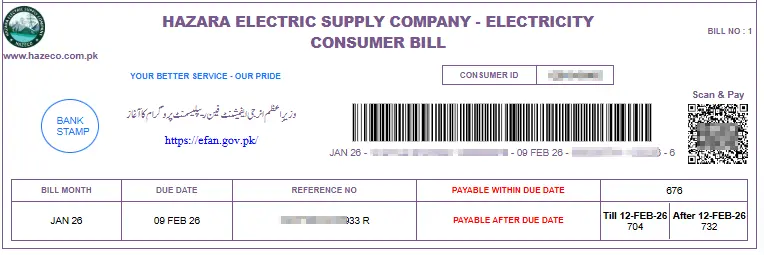
To simplify utility bill payments, DISCOs including HAZECO have introduced a QR Code–based electricity bill payment system.
This facility allows consumers to scan the QR code printed on their HAZECO electricity bill using supported banking apps and mobile wallet apps, eliminating the need to manually enter the 14-digit reference number.
Who Can Use QR Code Payment?
QR scan bill payment is supported by:
- Mobile Wallet Apps: JazzCash, Easypaisa, UPaisa, SadaPay
- Banking Apps: HBL, MCB, UBL, Meezan Bank, Allied Bank, Bank Alfalah, Askari Bank
- NBP & 1Link / 1Bill enabled apps
How to Pay Hazeco Bill via QR Code (Step-by-Step)
- Open your banking app or mobile wallet
- Select Scan QR / QR Pay / Scan to Pay
- Scan the QR code printed on your HAZECO bill
- Your bill details will appear automatically
- Verify consumer name and payable amount
- Confirm payment
- Receive instant SMS / in-app receipt
Note: The QR code is usually printed near the bottom of bill.
Advantages of QR Code Bill Payment
- No manual reference number entry
- Faster and error-free payment
- Secure and officially supported by DISCOs
- Works 24/7 from anywhere
Important Information
- QR scan option depends on app version
- Always use the latest app update
- Keep your payment receipt until the next billing cycle
D) ATM Machines
- Insert your ATM Card.
- Enter your PIN.
- Choose “Bill Payment” → “Electricity”.
- Select HAZECO.
- Enter your Reference Number.
- Confirm the amount and pay.
- Collect your receipt for record.
E) Retail Shops & Post Offices
If you prefer cash payment:
- Go to any authorized retailer, post office, or bank branch (HBL, MCB, UBL, Allied Bank, etc.).
- Give your printed bill and payment in cash.
- Receive an official receipt.
F) Credit/Debit Card Payments
- Many bank apps allow payment via credit or debit cards directly.
- Steps are the same as online banking, just select “Pay via Card” at checkout.
3. Hazeco Bill Payment Complaint
If your Hazeco bill payment is not reflected or you face any issue:
- Online Complaint: http://ccms.pitc.com.pk/complaint
- Visit HAZECO Customer Care Center with your bill and payment receipt.
4. Due Date Extension & Installments
HAZECO may allow due date extensions or bill installments in specific cases, usually for overdue bills and genuine financial hardship. These facilities are provided under approved rules and require proper verification.